Route & field execution
Route planning and GPS for food distribution
What does this LuniOps workflow do?
Connect stops, drivers, visit tasks, location data, and delivery status so dispatch and field teams share one daily plan. Route planning and GPS create operational visibility as coordination support, not an unrealistic automation promise. Stops, assignments, delivery status, and permission-based location information support the daily plan.
Updated Published by OzyCore GmbH
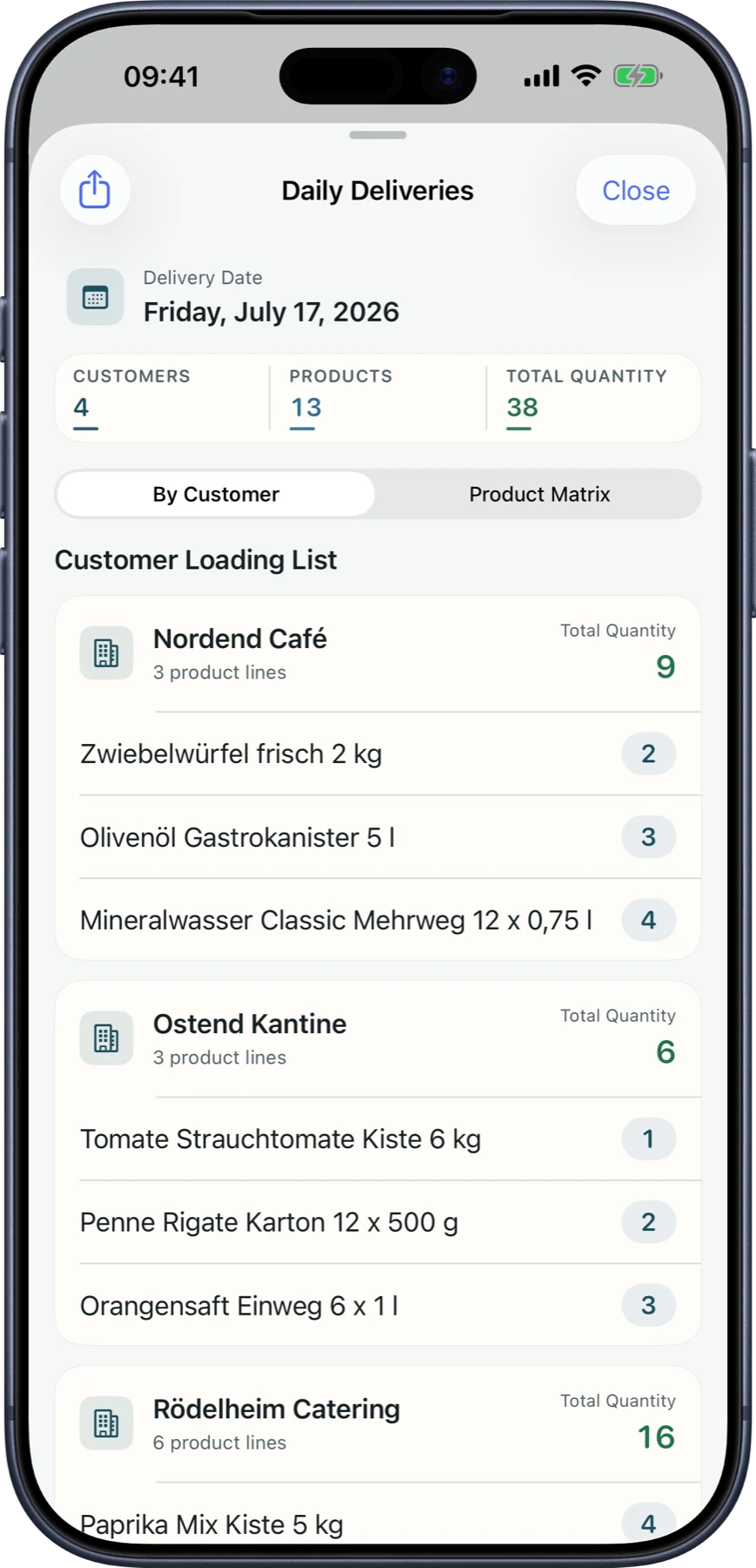
Structure stops
Customer locations, tasks, and deliveries are brought together into a daily plan.
Coordinate drivers
Roles, assignments, and location data help dispatch teams keep overview.
Return status
Delivery and visit status flows back into orders, portal visibility, and accounting.
What route planning is actually used for
Stops, assignments, delivery status, and permission-based location information support the daily plan.
Less phone coordination
Dispatch and drivers work with visible stops and tasks.
Better day overview
Planned, open, and confirmed stops are easier to separate.
Improve customer status
Delivery status can become more traceable in the process and portal.
Handle privacy carefully
GPS use should be transparent internally and reviewed legally.
Route workflow
- 1Customers, tasks, or deliveries are planned as stops.
- 2Drivers and ownership are assigned.
- 3Status and location data support coordination.
- 4Results flow back to delivery notes, orders, and customer communication.
Does LuniOps perfectly optimize every route?
No. Route planning supports coordination; traffic, time windows, and operational decisions still matter.
Is GPS always active?
GPS depends on the enabled module, device permissions, and internal privacy rules.
Is route planning only for deliveries?
No. Field sales visits, tasks, and customer stops can also benefit.
Related feature pages
Review this workflow live
See how this LuniOps capability fits your orders, deliveries, customers, and invoicing workflow.
Request a demo