B2B self-service
Customer portal for recurring B2B orders
What does this LuniOps workflow do?
Customers can see relevant products, effective prices, orders, invoices, and delivery status without calling for every routine question. The portal gives customers one practical place to order, check status, find invoices, and track deliveries. A useful portal creates repeat usage, reduces follow-up, and strengthens customer relationships.
Updated Published by OzyCore GmbH
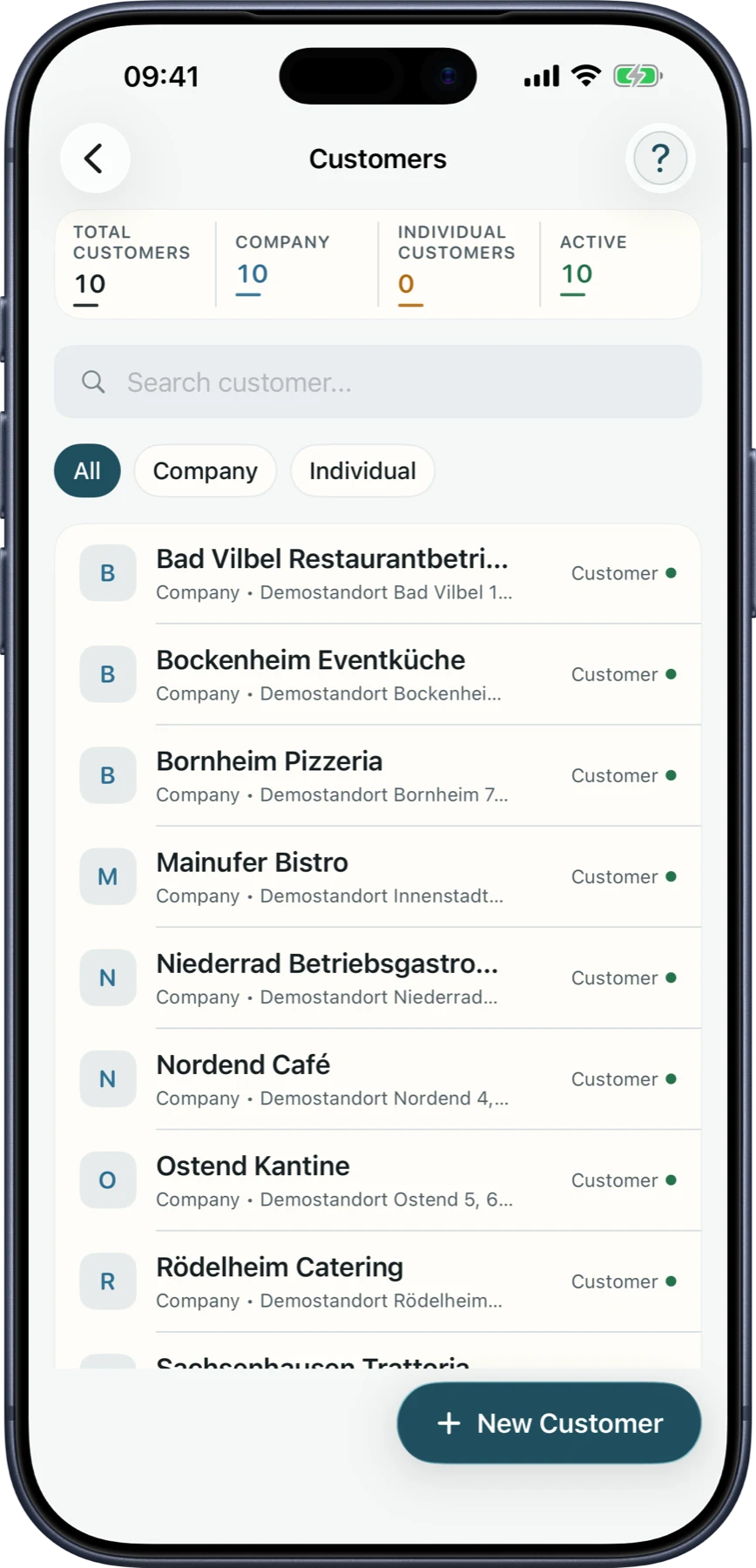
Simplify ordering
Repeat customers can order in a more structured way and see relevant product information.
Make status visible
Order and delivery status become easier for customers to understand without burdening the office.
Provide documents
Invoices and delivery information can be made available in a central portal.
Why a portal is more than a login
A useful portal creates repeat usage, reduces follow-up, and strengthens customer relationships.
Easier reordering
Customers find products and previous orders faster.
Fewer support calls
Status, invoices, and deliveries are self-service.
Protected price display
Effective prices are visible without exposing internal price-list logic.
Company data stays separate
Customers only see data belonging to their authorized supplier relationship.
Portal workflow
- 1Customer logs into the portal.
- 2Products and effective prices are displayed.
- 3The order is created and checked against the customer's available catalog and prices.
- 4Status, delivery, and invoice remain visible in the portal.
Does the portal replace personal sales?
No. It complements relationships and makes recurring standard processes easier.
Do customers see internal price lists?
No. Customers see their effective price; internal pricing logic remains protected.
Can supplier contexts be separated?
Yes. Customers see only the supplier relationship and company data they are authorized to access.
Related feature pages
Review this workflow live
See how this LuniOps capability fits your orders, deliveries, customers, and invoicing workflow.
Request a demo