Proof of delivery
Digital delivery notes instead of paper chaos
What does this LuniOps workflow do?
Document deliveries with status, recipient, signature, partial delivery, temperature evidence, and returnable packaging or deposit movements. Digital delivery notes connect drivers, office teams, customers, and invoicing in one traceable delivery process. Delivery quantities, evidence, exceptions, and returns stay visible to office, driver, and customer workflows.
Updated Published by OzyCore GmbH
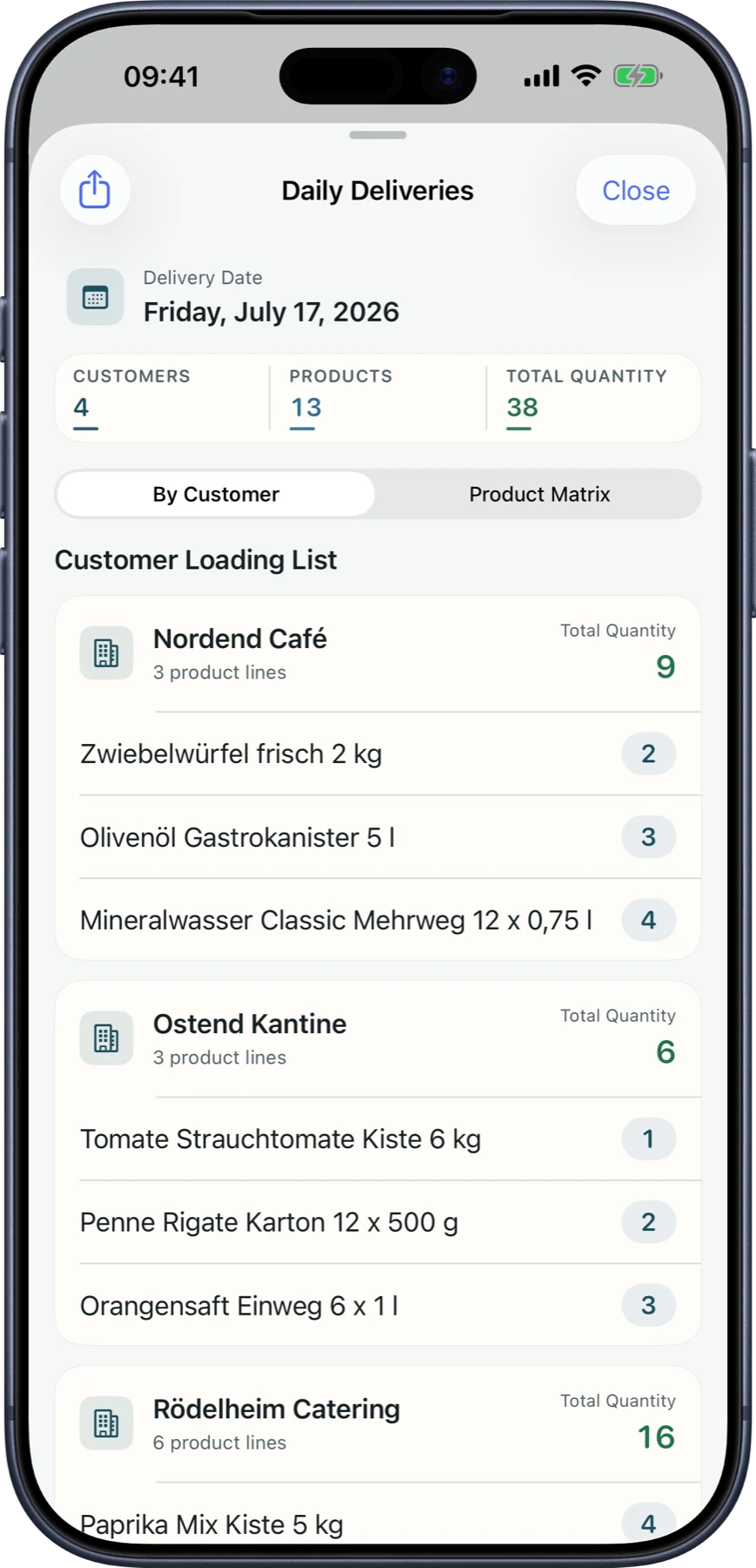
Confirm delivery
Drivers record delivery, recipient, quantities, and status in the delivery context.
Handle partial delivery
Incomplete drops, rejected goods, empty-crate returns, deposit balances, and remaining quantities can be documented per delivery.
Prepare invoicing
Confirmed delivery data reduces office rework and improves the invoice basis.
What digital delivery notes do for wholesalers
Delivery quantities, evidence, exceptions, and returns stay visible to office, driver, and customer workflows.
Less lost paperwork
Proof does not arrive days later in the office.
Clear delivery status
Planned, in transit, delivered, or corrected states are visible.
Traceable corrections
Corrections are described through revision paths rather than silent overwrites.
Better customer communication
Statuses and documents help reduce follow-up and disputes.
From order to delivery note
- 1An order is prepared for delivery or routing.
- 2The driver confirms quantities, recipient, temperature when required, returns, and status.
- 3Signature or proof of delivery is captured.
- 4Confirmed data flows to invoice and portal views.
Can a delivery note be signed digitally?
LuniOps supports digital proof and signature workflows in the delivery process.
What happens with partial deliveries?
Quantities, returns, and remaining items can be tracked per delivery.
Is PDF export supported?
Delivery note data can be used for documented output and sharing.
Related feature pages
Review this workflow live
See how this LuniOps capability fits your orders, deliveries, customers, and invoicing workflow.
Request a demo