Distribution route planning
Route optimization software for food distributors
What does this LuniOps workflow do?
LuniOps is route optimization software for food distributors: it sequences the day's delivery stops from real orders, respects delivery windows and service times, and returns an ETA for every stop. Dispatch plans the tour, drivers run it on iPhone, and delivery, GPS, and best-before data flow back into orders and invoicing.
Updated Published by OzyCore GmbH
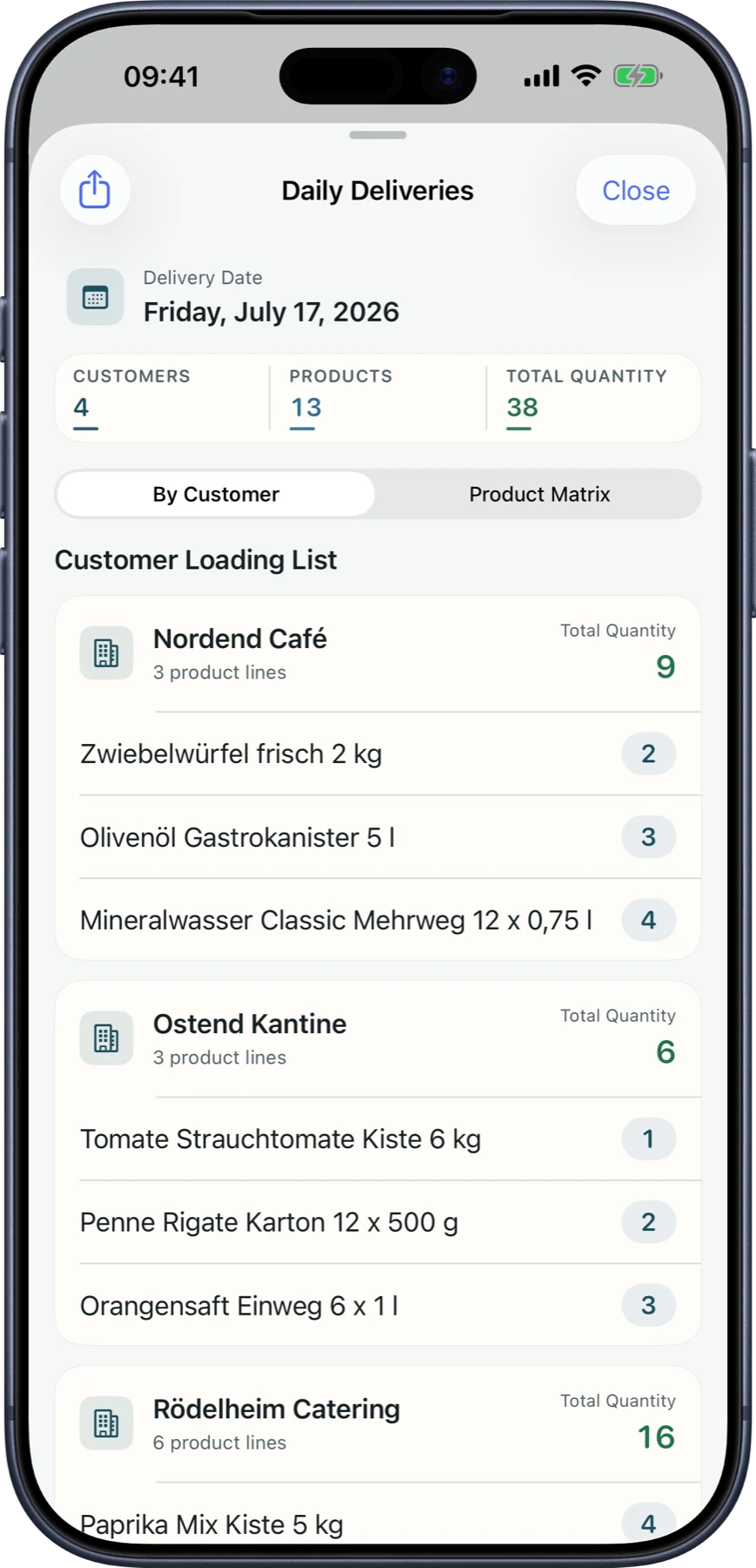
Stops come from real orders
Open delivery orders become stops carrying address, service time, delivery window, weight, pallets, and temperature class.
Sequence, windows, and ETA
Stops are ordered by travel time from the map service, early arrivals wait, hard window conflicts are flagged, and distance, duration, and ETA per stop are shown.
Assign, save, and follow through
The tour is assigned to a driver and vehicle, saved as a route plan, and followed on iPhone with delivery status and permission-based GPS.
What food distributors use this for
Stops, driver and vehicle assignment, delivery windows, per-stop ETAs, and returning delivery status make up the working day plan.
Fewer calls during the tour
Dispatch and drivers read the same stop list, sequence, and status instead of coordinating by phone.
Delivery windows stay visible
Hard delivery windows that the planned sequence cannot hold are listed before the vehicle leaves.
Short-dated goods leave first
Picking works from stock lots with best-before dates, so FEFO suggestions can move short-dated goods onto the tour.
One record per delivery
Delivery notes, order status, customer portal, and invoicing read the same delivery record.
How a delivery day is planned
- 1Orders for the delivery day are collected as stops with address, window, service time, and load.
- 2Warehouse start, return point, and departure time are set for the tour.
- 3The sequence is calculated, checked against delivery windows, and saved with driver and vehicle.
- 4The driver runs the tour on iPhone, and delivery status flows back to orders, portal, and invoicing.
Is this routing software only, or part of the distribution workflow?
Route planning sits inside the same workflow as orders, picking, delivery notes, the customer portal, and invoicing, so a delivered stop does not have to be re-entered.
Does it guarantee the shortest possible route?
No. Stops are sequenced from travel times and delivery windows as a planning heuristic; traffic, access restrictions, and decisions during the day still change the tour.
Can it handle best-before dates (MHD) for food deliveries?
Yes. Stock lots carry best-before dates and expiry overviews, and picking can propose FEFO lots so short-dated goods are shipped first.
Related feature pages
Review this workflow live
See how this LuniOps capability fits your orders, deliveries, customers, and invoicing workflow.
Request a demo